B2B Accounts Receivable Automation: How to Get Paid Faster in 2026
Manual AR processes cost B2B companies time and cash flow. Learn how accounts receivable automation reduces DSO, eliminates errors, and accelerates collections - without adding headcount.
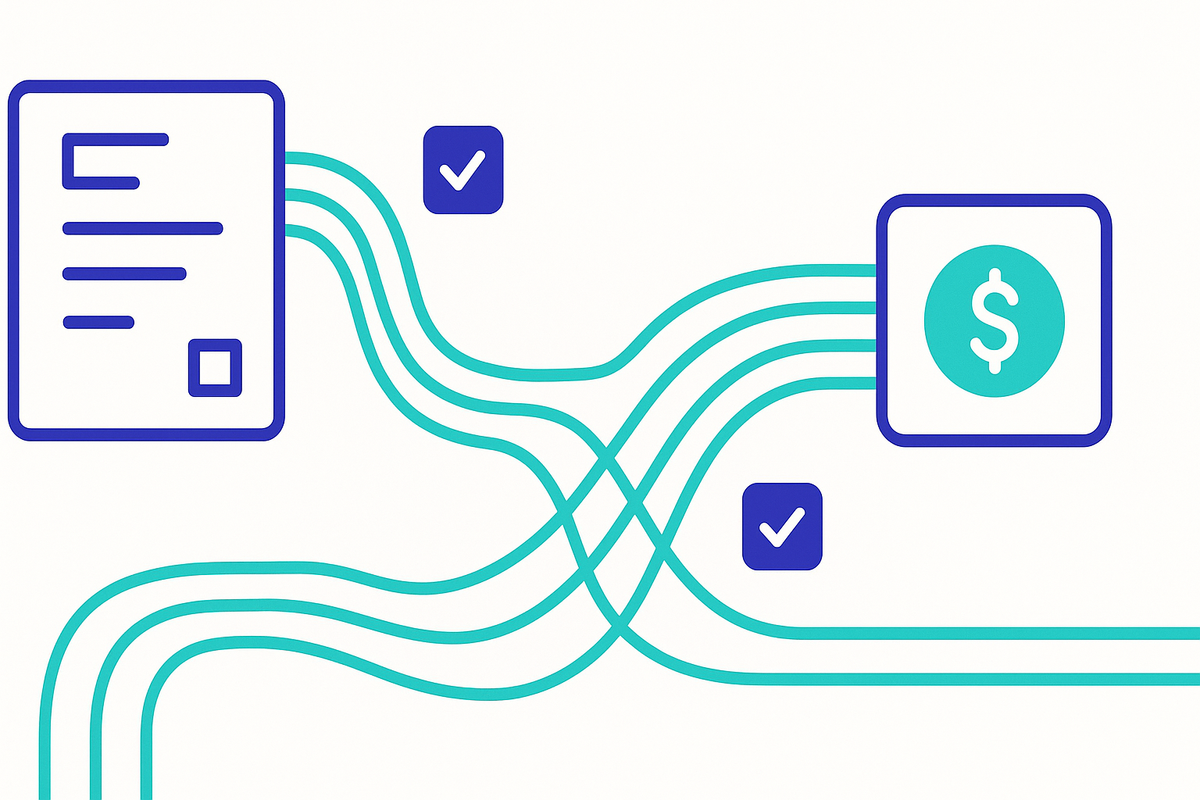
If your accounts receivable process still relies on spreadsheets, manual follow-ups, and one overworked AR clerk chasing down payments - you're not alone. But you're also leaving money on the table.
B2B accounts receivable automation has moved from a "nice-to-have" to a competitive necessity. Companies that automate their AR workflows collect faster, reduce errors, and free up finance teams to focus on strategic work instead of data entry.
This guide breaks down what accounts receivable automation actually looks like in B2B, where it delivers the biggest impact, and how to implement it without ripping out your entire finance stack.
What Is B2B Accounts Receivable Automation?
Accounts receivable automation uses software to handle the repetitive, manual tasks in the order-to-cash cycle. Instead of your team manually generating invoices, tracking payment status, sending reminders, and reconciling payments - automated systems handle these workflows with minimal human intervention.
In B2B specifically, AR automation is more complex than in B2C because:
- Payment terms vary by customer - one buyer might be Net 30, another Net 90
- Invoice amounts are larger - a single unpaid invoice can materially affect cash flow
- Credit decisions are involved - you need to assess buyer risk before extending terms
- Disputes are common - quantity discrepancies, damaged goods, and pricing disagreements all slow collections
- Payment methods are fragmented - wire transfers, ACH, checks, and increasingly digital payment platforms
The goal isn't to remove humans entirely. It's to remove humans from the tasks that don't require judgment, so they can focus on the tasks that do - like managing key accounts, resolving complex disputes, and making credit decisions.
Why Manual AR Processes Are Costing You More Than You Think
The direct costs of manual AR are obvious: labor hours, late payments, and the occasional invoice that falls through the cracks. But the indirect costs are what really hurt.
Cash Flow Drag
Every day an invoice goes unpaid is a day your cash is locked up. If your average DSO is 45 days when it could be 35, that's 10 extra days of working capital tied up across your entire receivables book. For a company with $10 million in annual revenue, that's roughly $274,000 in cash that's perpetually unavailable.
Error Rates
Manual data entry has a typical error rate of 1-3%. In AR, errors mean invoices sent to the wrong address, incorrect amounts, missing purchase order numbers - all of which trigger disputes and delay payment. Each error can add 15-30 days to collection time.
Scalability Problems
Manual AR processes don't scale linearly. If your customer base grows 50%, you don't just need 50% more AR staff - you need more because complexity increases with volume. More customers means more payment terms to track, more follow-ups to send, more reconciliations to perform.
Visibility Gaps
When AR data lives in spreadsheets and email inboxes, nobody has a clear picture of the company's receivables health. CFOs can't see aging reports in real time. Sales teams don't know if a customer is delinquent before offering them a bigger deal. Credit managers can't spot deteriorating payment patterns until it's too late.
The Core Components of AR Automation
Effective accounts receivable automation covers the entire order-to-cash cycle. Here's what each component looks like:
1. Automated Invoice Generation and Delivery
The basics - but they matter more than most companies realize.
What it replaces: Manually creating invoices in accounting software, exporting to PDF, attaching to emails, sending to the right contact at the right company.
What automation does: - Generates invoices automatically when orders ship or milestones are hit - Delivers invoices via the buyer's preferred channel (email, EDI, portal, or AP automation platform) - Includes all required fields (PO number, tax IDs, line-item detail) to prevent rejection - Tracks delivery confirmation so you know the invoice was received
The biggest win here isn't speed - it's accuracy. Automated invoice generation eliminates the data entry errors that cause disputes downstream.
2. Payment Terms Management
B2B payment terms are rarely one-size-fits-all. Your best customers might get Net 60. New buyers start at Net 30 or even prepay. And those terms should evolve based on payment history and risk profile.
What automation does: - Assigns payment terms based on credit policy rules and buyer risk scores - Automatically adjusts terms when buyer behavior changes (consistently late payers get shorter terms) - Calculates early payment discounts and applies them correctly - Flags when a buyer's terms don't match their risk profile
This is where accounts receivable automation intersects with buyer intelligence. The better your data on a buyer's financial health and payment behavior, the smarter your terms decisions become.
Want to assess buyer risk before setting payment terms? BuyersIntelligence.ai delivers instant risk profiles on B2B buyers - so you can automate credit decisions with confidence.
3. Collections Workflow Automation
Collections is where most AR teams spend the bulk of their time - and where automation delivers the biggest ROI.
What automation does: - Sends payment reminders on a scheduled cadence (7 days before due, on due date, 3 days past due, etc.) - Escalates automatically based on aging (friendly reminder at 1 day late, firmer notice at 15 days, collections warning at 30+) - Personalizes communication based on customer tier and history - Tracks every touchpoint so nothing falls through the cracks - Prioritizes collection efforts by invoice value and days outstanding
The key insight: most late B2B payments aren't malicious. They're the result of operational friction - invoices sitting in someone's inbox, AP teams processing in batch, or approvals stuck in a queue. Automated reminders solve the majority of these cases without any human effort.
4. Cash Application and Reconciliation
Cash application - matching incoming payments to open invoices - is one of the most tedious tasks in AR. It's also one of the most error-prone, especially when buyers pay multiple invoices with a single payment or short-pay invoices without explanation.
What automation does: - Matches payments to invoices using AI-powered pattern recognition (remittance data, amounts, customer IDs) - Handles partial payments and short-pays by flagging discrepancies for review - Reconciles across payment methods (wire, ACH, check, credit card) - Posts to your ERP or accounting system automatically - Reduces unapplied cash (payments that sit in limbo because nobody matched them)
Companies that automate cash application typically see match rates of 80-90%, up from 40-50% with manual processes.
5. Real-Time Reporting and Analytics
You can't improve what you can't measure. And you can't measure AR performance in real time if your data lives in static spreadsheets.
What automation provides: - Real-time aging reports by customer, segment, and region - DSO tracking at the portfolio and customer level - Collection effectiveness index (CEI) trending - Cash flow forecasting based on payment patterns - Early warning alerts for customers whose payment behavior is deteriorating
These analytics connect directly to the AR risk metrics every CFO should track. Automation doesn't just collect the data - it turns it into actionable intelligence.
How Buyer Intelligence Supercharges AR Automation
Here's what most AR automation platforms miss: they optimize the collection process, but they don't address the credit decision that created the receivable in the first place.
Think about it. If you extend Net 60 terms to a buyer who's already stretched thin financially, no amount of automated reminders will get you paid on time. The problem isn't your collections workflow - it's that you didn't have the right information when you made the credit decision.
This is where buyer intelligence fits into the AR automation stack:
Before the sale: - Assess the buyer's financial health, payment history, and risk profile - Set appropriate payment terms and credit limits based on data, not gut feel - Flag high-risk buyers for manual review or prepayment requirements
During the relationship: - Monitor buyer risk continuously - not just at onboarding - Alert your team when a buyer's risk profile changes (new liens, lawsuits, leadership changes) - Adjust credit limits and terms dynamically based on evolving risk
During collections: - Prioritize collection efforts based on buyer risk (a late payment from a financially healthy buyer is different from one that's circling bankruptcy) - Inform negotiation strategy with data on the buyer's ability to pay - Make faster write-off or escalation decisions
Automate buyer risk assessment alongside your AR workflow. BuyersIntelligence.ai gives your finance team instant access to buyer risk profiles, payment behavior data, and financial health indicators - so every credit decision is backed by data.
Building Your AR Automation Roadmap
You don't have to automate everything at once. Here's a practical phased approach:
Phase 1: Quick Wins (Month 1-2)
Start with the highest-impact, lowest-effort automations:
- Automated invoice delivery - stop manually emailing invoices
- Payment reminder sequences - set up automated dunning emails at key intervals
- Basic reporting dashboards - get real-time visibility into aging and DSO
Expected impact: 5-10 day reduction in DSO, 60-70% reduction in manual follow-up emails.
Phase 2: Core Automation (Month 3-4)
Build out the core workflows:
- Cash application automation - implement AI-powered payment matching
- Credit policy automation - codify your credit policy into rules that execute automatically
- Dispute management workflows - route disputes to the right person with full context
- Buyer risk integration - connect buyer intelligence data to credit and collections decisions
Expected impact: additional 5-8 day DSO reduction, 80%+ straight-through payment matching.
Phase 3: Advanced Intelligence (Month 5+)
Layer in predictive capabilities:
- Payment prediction models - forecast which invoices will be paid late based on historical patterns
- Dynamic credit scoring - automatically adjust buyer risk scores based on real-time data
- Cash flow forecasting - predict future cash receipts with confidence intervals
- Proactive risk alerts - get notified before a buyer becomes a collections problem
Expected impact: proactive risk management, fewer write-offs, better cash flow predictability.
Choosing the Right AR Automation Approach
There are three main approaches to AR automation, each with different trade-offs:
ERP-Native Automation
What it is: Using the automation features built into your existing ERP (NetSuite, SAP, QuickBooks, etc.).
Pros: No new vendor, data stays in one system, lower cost. Cons: Limited functionality, basic dunning only, weak analytics, no AI capabilities.
Best for: Small businesses with simple AR needs and tight budgets.
Dedicated AR Automation Platforms
What it is: Purpose-built software like Billtrust, HighRadius, Tesorio, or YayPay that sits on top of your ERP.
Pros: Deep functionality, AI-powered features, strong analytics, built for B2B complexity. Cons: Additional vendor and cost, integration effort, potential data sync issues.
Best for: Mid-market and enterprise B2B companies with complex AR needs.
Composable Stack
What it is: Assembling best-of-breed tools for each AR function - one for invoicing, one for collections, one for cash application, one for buyer intelligence.
Pros: Best-in-class for each function, flexible, can start small. Cons: More integrations to manage, potential data fragmentation, higher total complexity.
Best for: Companies with specific pain points who want targeted solutions rather than a monolithic platform.
Regardless of which approach you choose, the key question is: does your AR automation stack include buyer intelligence? If it doesn't, you're automating the collection of receivables that might have been preventable in the first place.
Common AR Automation Mistakes to Avoid
Automating Bad Processes
Automation amplifies whatever process you feed it. If your current AR process is broken - unclear credit policies, inconsistent follow-up cadences, no escalation rules - automating it just produces broken results faster.
Before you automate, document and optimize your process. Define clear rules for credit decisions, collections escalation, and dispute resolution. Then automate the optimized version.
Ignoring the Human Element
Some AR tasks genuinely require human judgment: negotiating payment plans with key accounts, resolving complex disputes, making write-off decisions. Over-automating these tasks can damage customer relationships.
The goal is to automate the 80% of tasks that are routine so your team can focus on the 20% that require expertise.
Treating All Customers the Same
Not all late payments are equal. A $500 invoice from a low-risk buyer that's 3 days late is completely different from a $50,000 invoice from a high-risk buyer that's 30 days late. Your automation should treat them differently.
Segment your collections approach by buyer risk profile, invoice value, and relationship importance. This is another area where buyer intelligence data makes a measurable difference.
Skipping the Data Foundation
AR automation is only as good as the data feeding it. If your customer master data is messy (duplicate records, wrong addresses, outdated contacts), automation will fail at the basics - invoices won't reach the right people, payments won't match correctly.
Invest time in data cleanup before or alongside your automation rollout.
Measuring AR Automation Success
Track these metrics to measure whether your automation investment is paying off:
| Metric | What It Tells You | Target Improvement |
|---|---|---|
| DSO (Days Sales Outstanding) | How fast you're collecting | 10-20 day reduction |
| CEI (Collection Effectiveness Index) | How effective your collections are | 80%+ |
| Bad debt ratio | How much you're writing off | 30-50% reduction |
| Invoice processing cost | Cost per invoice processed | 60-80% reduction |
| Unapplied cash | Payments sitting unmatched | 80-90% reduction |
| Staff hours on AR tasks | Manual effort required | 40-60% reduction |
| Customer disputes | Errors causing payment delays | 50%+ reduction |
The compounding effect is what makes AR automation powerful. Fewer errors mean fewer disputes. Fewer disputes mean faster payments. Faster payments mean lower DSO. Lower DSO means better cash flow. Better cash flow means more room to extend competitive terms to good buyers - which wins you more business.
The Bottom Line
B2B accounts receivable automation isn't about replacing your AR team - it's about giving them leverage. Automated systems handle the repetitive, error-prone tasks at scale, while your people focus on the strategic work that requires human judgment.
But automation alone isn't enough. The most effective AR operations combine process automation with buyer intelligence - using data about your customers' financial health, payment behavior, and risk profiles to make smarter decisions at every stage of the receivables lifecycle.
The companies that get this right don't just collect faster. They extend credit more confidently, price risk more accurately, and build stronger customer relationships - because they understand their buyers, not just their invoices.
Ready to add buyer intelligence to your AR automation stack? BuyersIntelligence.ai gives you instant risk profiles, payment behavior data, and financial health indicators for any B2B buyer - so you can automate with confidence. Try it free →
Stop guessing about buyer risk. Get instant buyer intelligence.
Try BuyersIntelligence.ai - Free →